
VINE Coverage for Greene County Arrests
Indiana SAVIN is how VINE works in this state. Per the Indiana government SAVIN information, the system offers real-time custody status in all 92 counties. That means Greene County arrests are covered by the statewide service rather than a local alert portal of its own. The sheriff's office lists no separate booking app.
The service is free. It runs nonstop, day and night, all year. Anyone can register, and state policy keeps that information confidential. After a Greene County arrest, users can get alerts about a release, a transfer, an escape, or another custody change, with the exact event choices shown at signup.
Check a Greene Arrest on VINE
Start with precise identity details. A common name can pull up several matches, and someone just arrested in Greene County may not show up until the jail's data reaches the state system.
- Open the official VINELink Indiana person search.
- Confirm that Indiana is the selected state and choose a person search.
- Enter the full name or offender identifier available to you.
- Compare returned records by facility, custody state, age or birth information shown, and identifier.
- Open the best match and note when the status was checked.
- Use the registration control for alerts, or confirm the record first when more than one match remains.
For full intake details on a Greene County arrest, turn to Greene County booking-record sources. VINELink can confirm who is in custody, but it won't always show the bond rows, court cause number, or booking photo.
Indiana VINE Person Search Screen
The official VINELink Indiana search page is where a Greene County custody check begins.
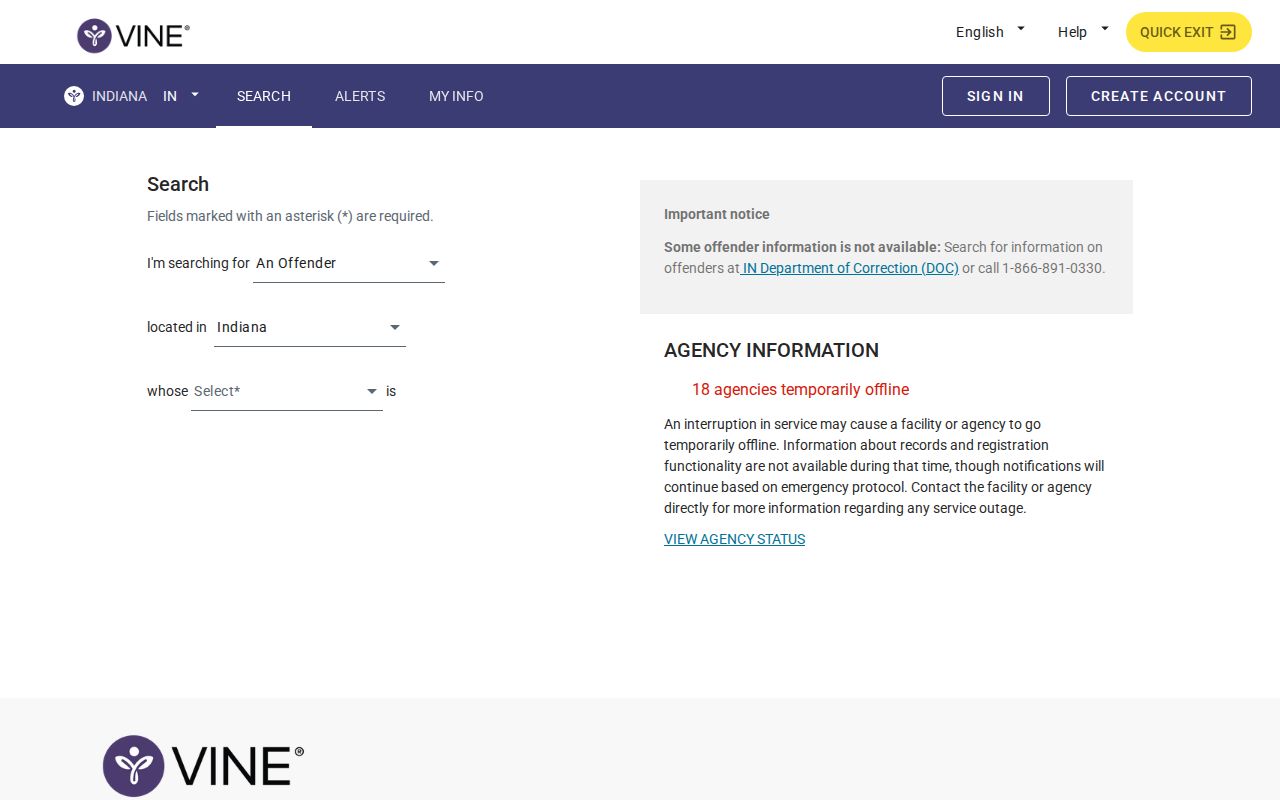
The Indiana VINE person search form is a statewide lookup tool, not a gallery. It hands back one matched record at a time. Type in the details you have. Open the correct entry rather than treating the screen as a photo collection. Write down the offender ID and the facility. Register only if a future status change matters to you. When a very recent Greene County arrest returns nothing yet, try Greene County arrests today. You can also call the jail before assuming the person is free.
What a VINE Custody Result Means
VINE speaks the language of custody. The Greene County jail report is built around booking instead, so trust only the fields the live result actually supplies.
| Possible field | Proper use |
|---|---|
| Name and offender ID | Identify the record and reduce same-name errors. |
| Custody status | Shows the state reported by the participating source at that time. |
| Facility or agency | Indicates the reported custodian or location to contact. |
| Status date | Helps judge how current the displayed information is. |
| Notification options | Shows events or delivery routes available for that record. |
A transfer swaps the facility but keeps the person in custody. Walking out of Greene County Jail does not end the court case. The court can still act after release. The arrest record stays live. A person sentenced into Indiana Department of Correction custody remains searchable through the state system too. That is just a different phase of the case.
- Custody status
- The reported condition of confinement or release at a given time.
- Transfer
- Movement from one holding agency or facility to another.
- Offender ID
- A system identifier that distinguishes records more reliably than a name.
- Notification
- An automated message prompted by a supported status event.
Register for Indiana SAVIN Alerts
Once the right record is open, follow the live system's registration path, since Indiana separates the search screen from the SAVIN account and its notification setup. Treat your login details as private.
- Confirm the person and current custodian before selecting notifications.
- Choose the custody events offered, such as release or transfer.
- Add the phone, text, or email destination supported by the live form.
- Create and save any four-digit PIN or confirmation information requested.
- Complete verification steps and retain the registration confirmation.
- Recheck custody independently when timing is critical.
You call in a name or offender number. A telephone number and a four-digit PIN come next. An older brochure says calls may repeat until the PIN is entered or for up to 48 hours. The current interface controls present behavior. The state FAQ and that brochure also list different public telephone numbers. Confirm with the live Indiana service before trusting either one.
Indiana SAVIN Registration Portal
The separate Indiana SAVIN account page provides the state-facing registration and login route.
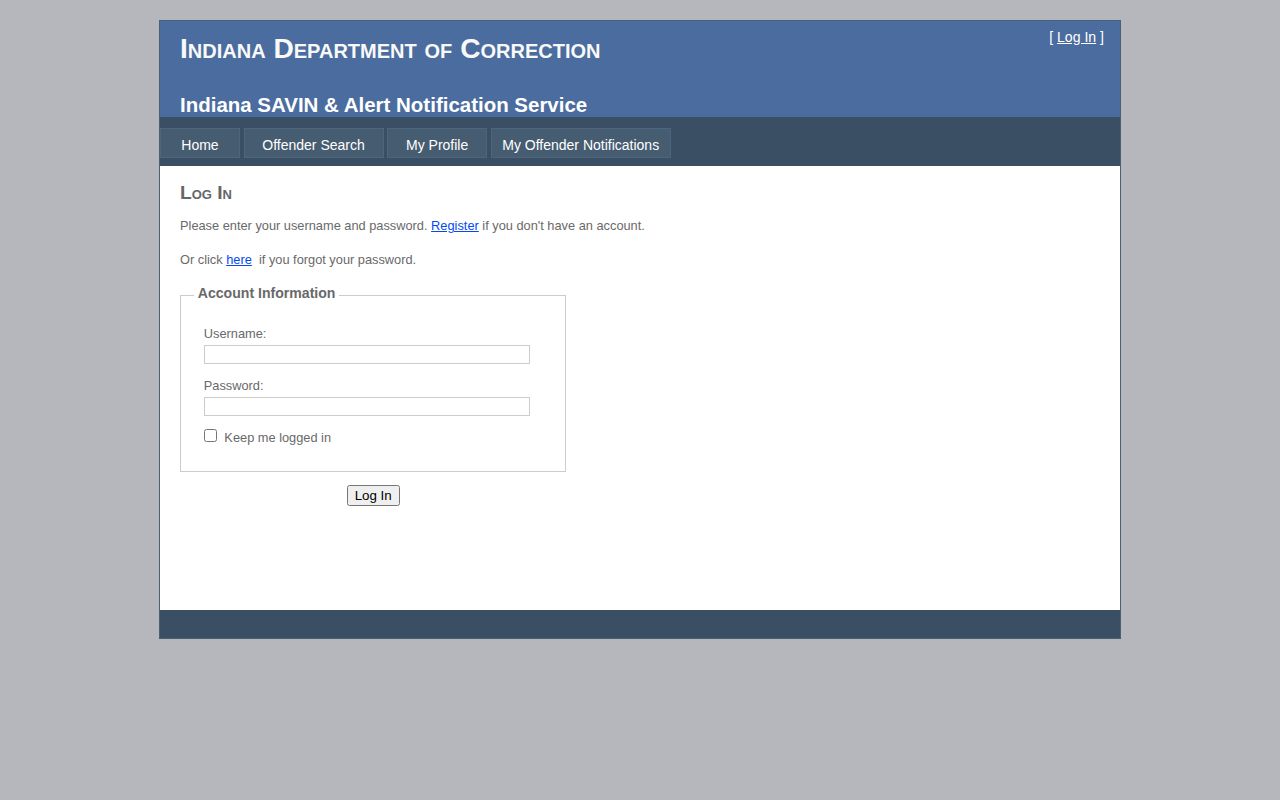
Reaching the portal only proves account access. It does not prove an alert is active. Follow the live prompts, then save your confirmation details and check that the right record and notification method are attached. State policy keeps registration data confidential. Even so, guard the PIN, use a secure email or phone, and update contact details whenever they change. A blocked text, full inbox, missed call, or dead device can swallow a message even after the custody event was sent.
Greene VINE Alerts Need Backup
Greene County has no verified Sheriff app. Nothing local mirrors bookings or sends county-branded release notices. Indiana SAVIN is the proper statewide alert route for Greene County custody events. For verification, the Sheriff's jail and records contacts still work best. Skip any unverified app wearing a county name. Treat every alert as a convenience, never a guarantee. Data can lag a fresh booking or release. Several layers sit between an event and your phone: agencies, networks, delivery providers, and your own settings. In immediate danger, call 911. A custody discrepancy belongs with the Greene County Sheriff, the jail, an attorney, or the court. The Sheriff's published line is (812) 384-4411. Its phone tree routes Jail Division to option 4 and Records to option 2. Office hours run Monday through Friday, 8:00 a.m. to 4:00 p.m., yet urgent custody operations do not pause for them.
VINE Does Not Cover Every Custody System
VINE has limits worth knowing. Indiana SAVIN is not a national custody search that covers everyone. A person held on federal charges is different. That person shows up in the Federal Bureau of Prisons locator instead. Immigration detention is a separate track too, handled through the ICE Online Detainee Locator. Neither of those tools will return a Greene County booking photo. A brand-new federal or immigration matter may simply require a call to the agency in charge or to a lawyer. The Greene County jail roster and VINE can also disagree for perfectly ordinary reasons. The roster tends to show who is in county custody right now. VINE may reflect a transfer or a state-level status that came later. Write down when you checked each one. Never merge results from different dates into a single conclusion. An older arrest report can still exist on paper. Both current-custody tools may have moved on by then.
Resolve Missing Greene VINE Records
Troubleshooting a missing Greene County VINE match starts with the basics. Check the spelling. Try the middle name. Confirm you searched the right state. Then run the search again with an offender ID if you have one. When the arrest just happened, booking and data entry may still be catching up. Give it a little time. After that, check the county roster and call the jail directly. A person can be cited and released, booked in another county, transferred, or held under a different legal name. Say custody is confirmed but VINELink still shows nothing. Ask the jail whether that person's status actually feeds into the notification system. Ask whether a different identifier might work better. Silence in the database does not mean release. Juvenile cases and other restricted matters stay out of public view. For an exact booking record, file the county public-records request form. For non-confidential court progress, use MyCase and match the cause number. Each of these tools fills a gap VINE leaves. None of them sends alerts the way VINE does.
Search Public Records
Sponsored Results